🇬🇧🌍 BlueSCSI Ultra and V2 - Front Panel 🌍🇬🇧
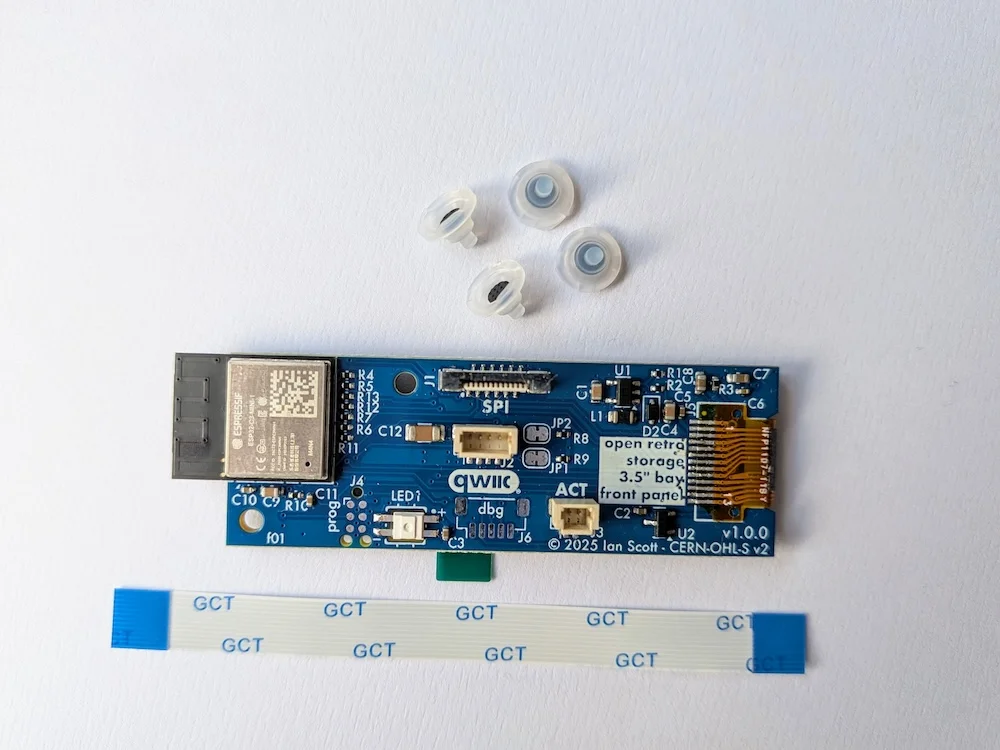
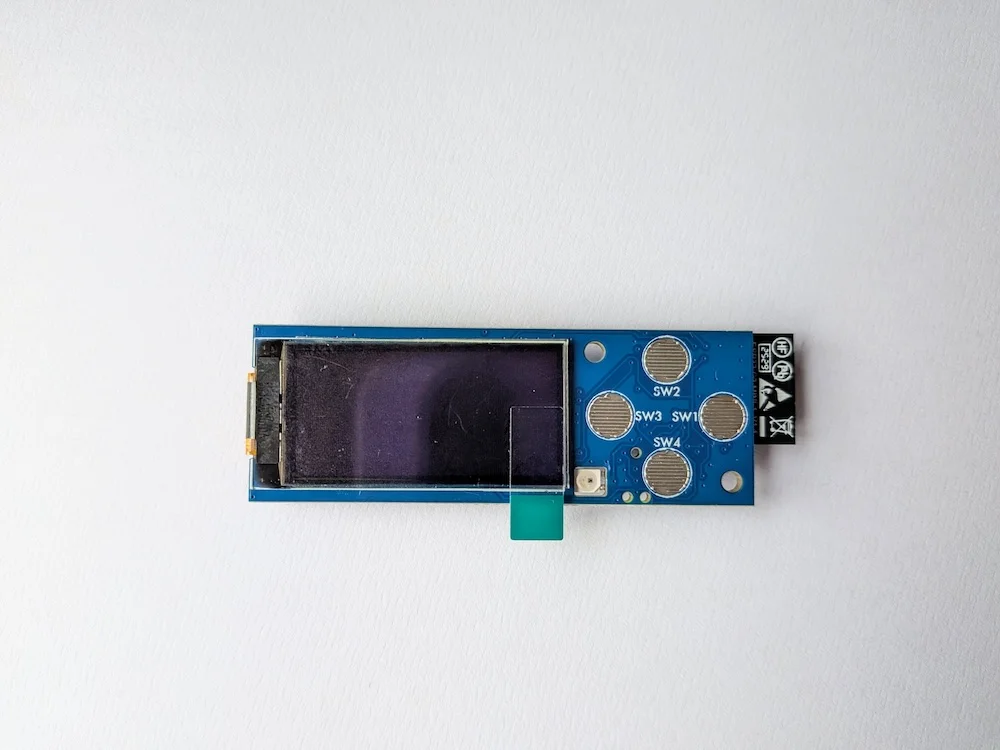
This is Front Panel for all the BlueSCSI Ultra devices, and the BlueSCSI V2 desktop (via QWIIC connector). You will need a QWIIC cable if buying for a V2 desktop or Powerbook. This Front Panel is an optional extension for all BlueSCSI boards (DB25 needs modification) that was designed by Polpo for the PicoIDE.
This front-panel uses the same hardware as the PicoIDE. You can find information about how to use it at https://bluescsi.com/docs/Front-Panel - Both firmwares can be downloaded at https://github.com/polpo/open-retro-storage-frontpanel/releases This item will be sent with the v0.5.0 firmware and you can easily update the firmware to any NEW version via the web interface.
Remember the narrow 50 pin Ultra needs the expander to work with this. Ultra Wide (68 pin and SCA 80 pin) has the SPI port built-in, so it doesn’t need the Expander - just connect the Front Panel directly via the flex cable. If you connect this to the Non-Ultra V2 desktop BlueSCSI you will need a QWIIC cable. See more detailed info about the new ultra products HERE. Please see this link to the front panel 3D print enclosure and buttons STL files.
- BETA Firmware flashed
- Comes with short flex cable (7.5cm)
- Comes with 4 rubber nipple buttons (used with 3D print)
- Tested and complete
- Does not work for DB25 version, without modification.
IMPORTANT - The firmware is in BETA so report issues here
📝 STOCK COUNT: 28